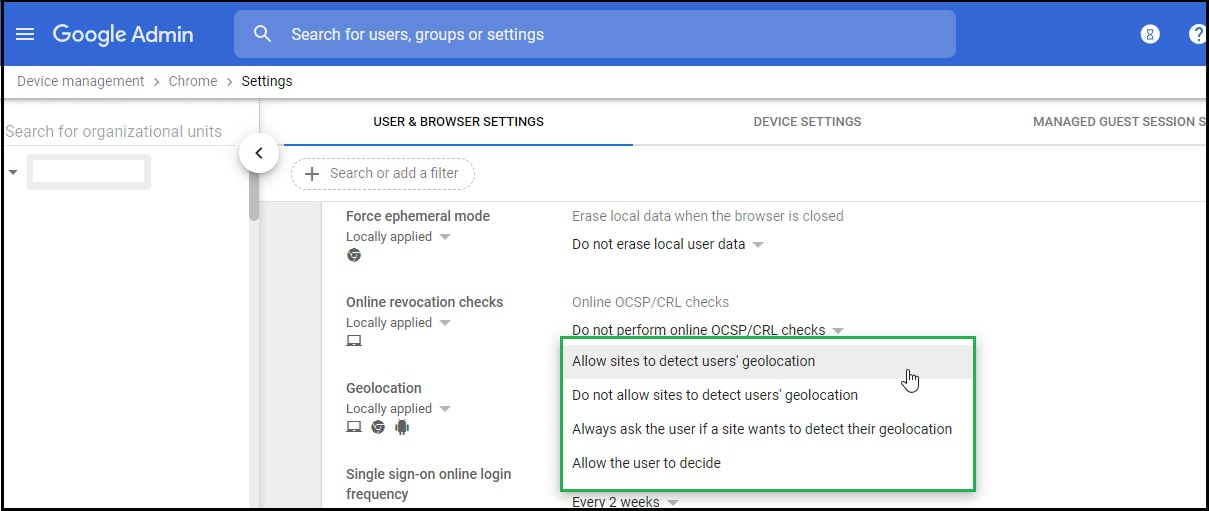
To force geolocation via Google Workspace:
- Log in to your Google Workspace admin account
- Navigates to Device Management > Chrome Management > User Settings > Security > Geolocation
- Select "Allow sites to detect user geolocation" from the drop-down
![test-full-word-logo.png]](https://k12panel.com/hs-fs/hubfs/test-full-word-logo.png?height=35&name=test-full-word-logo.png)
To force geolocation via Google Workspace: